Remote Rendering
Medical VR.
Without cables.
Use spatial medical imaging on a standalone VR headset, powered by the latest full-performance GPUs on a remote server. Rendered content is streamed to the headset, replacing the need for a local PC with a current-generation graphics card.
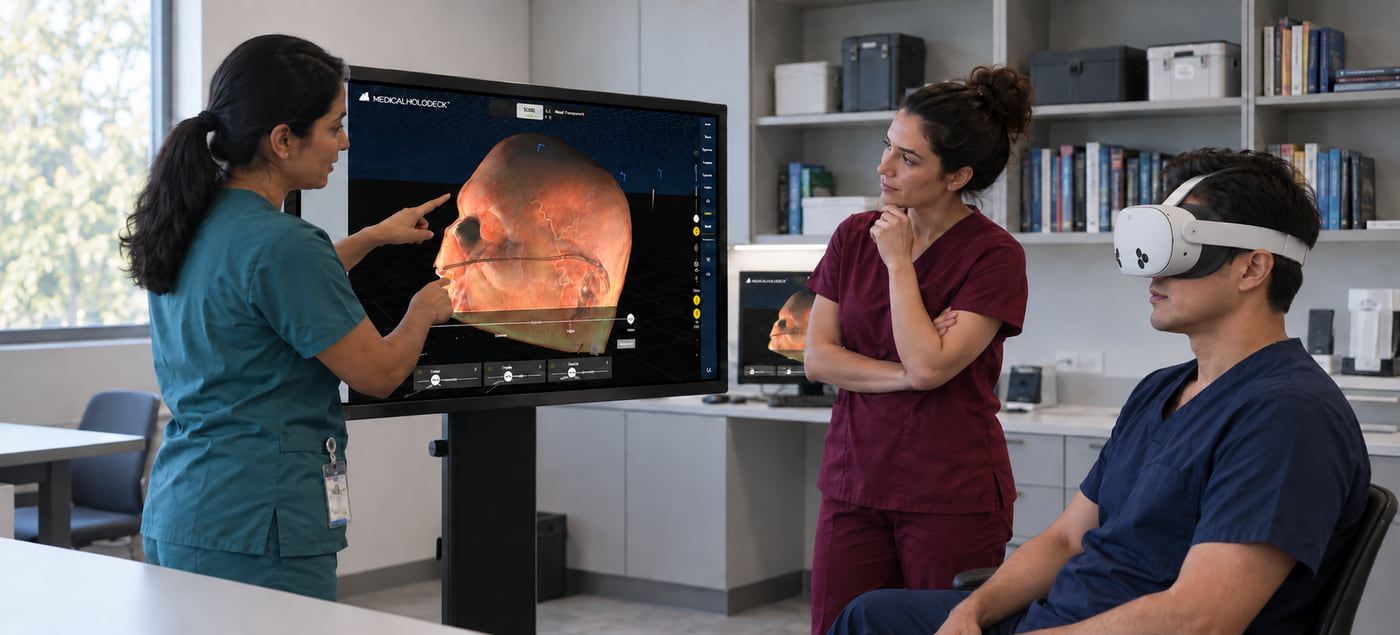
Overview
Remote processing.
Wireless access.
Remote Rendering separates image processing from the headset. A remote system renders the 3D content, while a supported standalone headset displays the streamed images and provides interaction with the virtual environment.
Location-independent access
Use medical VR in different teaching and training spaces within the coverage of a suitable network, without relocating the rendering workstation.
Remote rendering capacity
The remote server processes complex medical datasets, reducing reliance on the headset’s onboard graphics and removing the need for a local rendering PC.
Collaborative sessions
Combine Remote Rendering with TeamXR for teaching and discussion in a shared virtual environment.
How it works
From rendering system
to VR headset.
The rendering system and headset communicate over a network connection. The system renders the medical content, and the headset displays the stream and transmits user input.
- 01
Render remotely
The remote server runs Medicalholodeck and uses its GPUs to generate the images for the VR session.
- 02
Connect wirelessly
The network carries the rendered images to the headset and returns interaction data to the rendering system.
- 03
Interact in VR
View and interact with spatial anatomy and medical imaging using the supported headset and its controls.
Infrastructure
Centralized rendering.
Flexible deployment.
An external server provides the rendering capacity for teaching and training sessions. Users connect through supported headsets. Session performance depends on the server resources and the quality of the network connection.
Discuss deployment requirementsUntethered headset operation
Users access the session through a standalone headset without a physical cable connection to the rendering computer.
Server-based processing
Access processing capacity through the Remote Rendering service rather than operating a rendering workstation in each teaching or training space.
Deployment planning
Assess rendering capacity, network coverage, device compatibility, and concurrent sessions before extending access to additional spaces or users.
Use cases
Applications in education,
training, and communication.
Use spatial anatomy and medical imaging in structured teaching, case-based training, and non-diagnostic discussion.
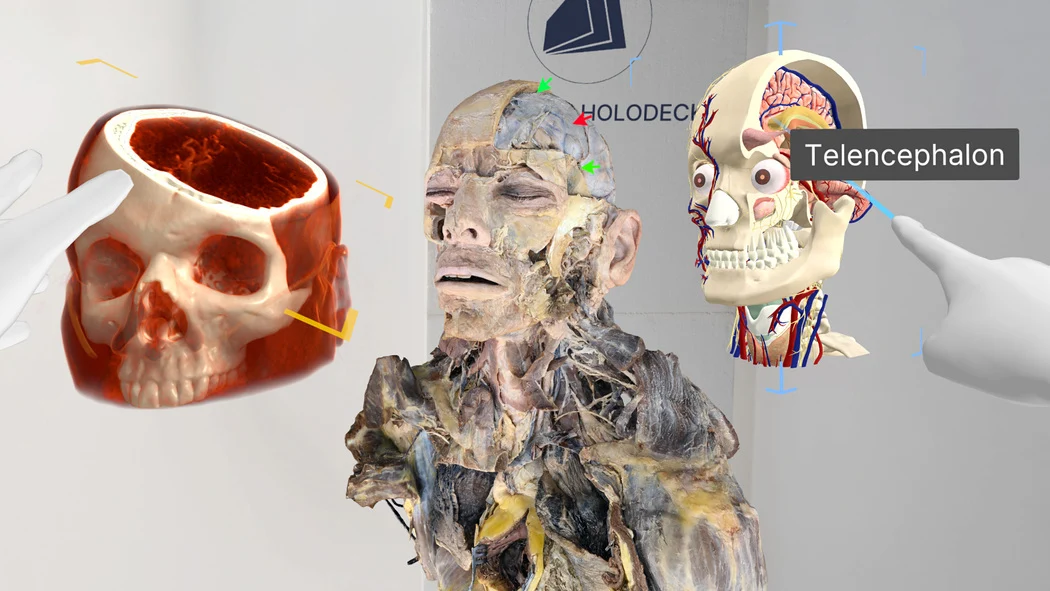
Education
Anatomy and medical imaging education
Use 3D anatomy and medical imaging to explain structures and spatial relationships in teaching sessions. Remote Rendering allows access from supported headsets in network-connected classrooms.
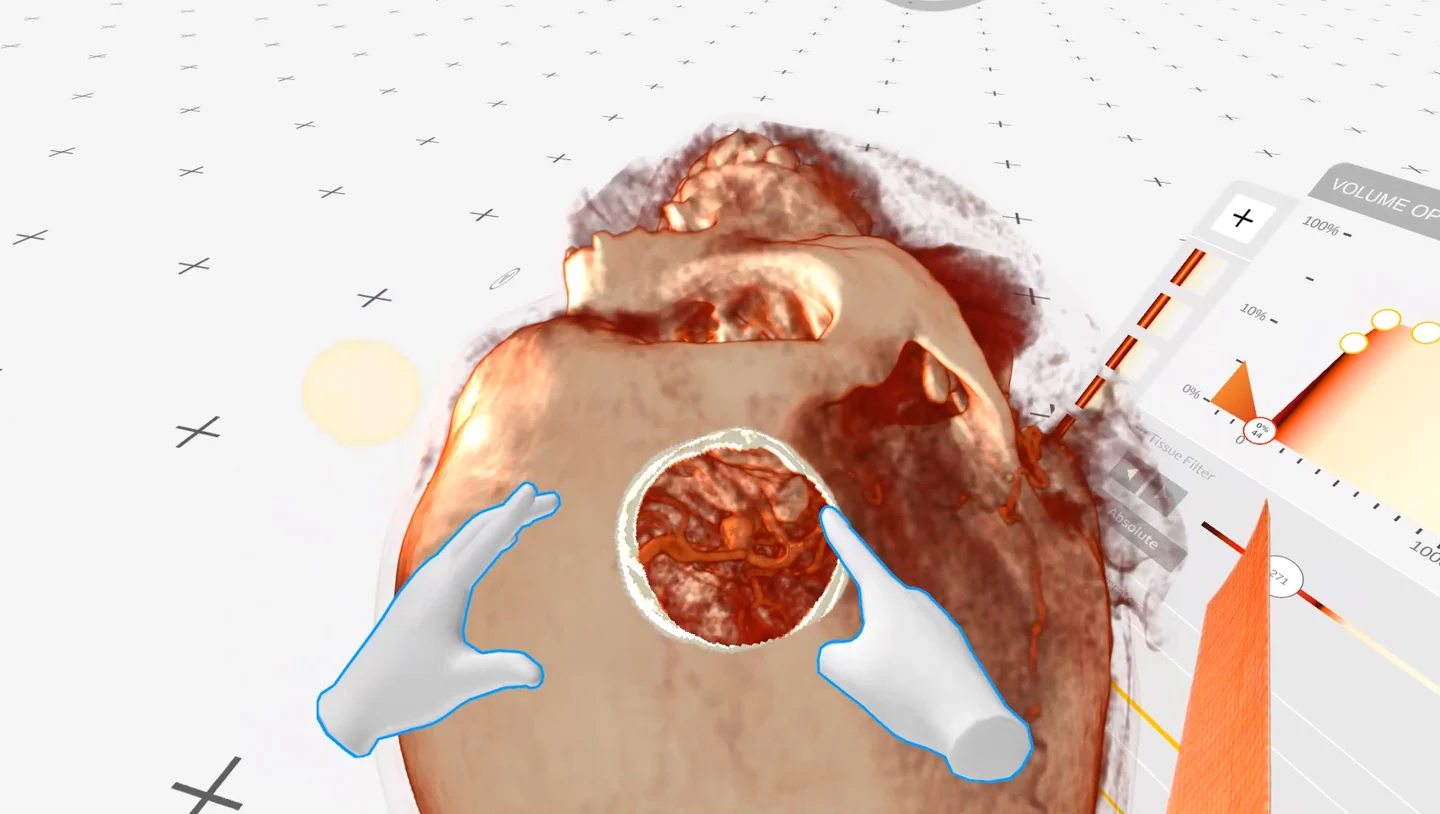
Training
Case-based medical training
Review spatial medical datasets for case-based learning and surgical education. The rendering workstation can remain separate from the training space.
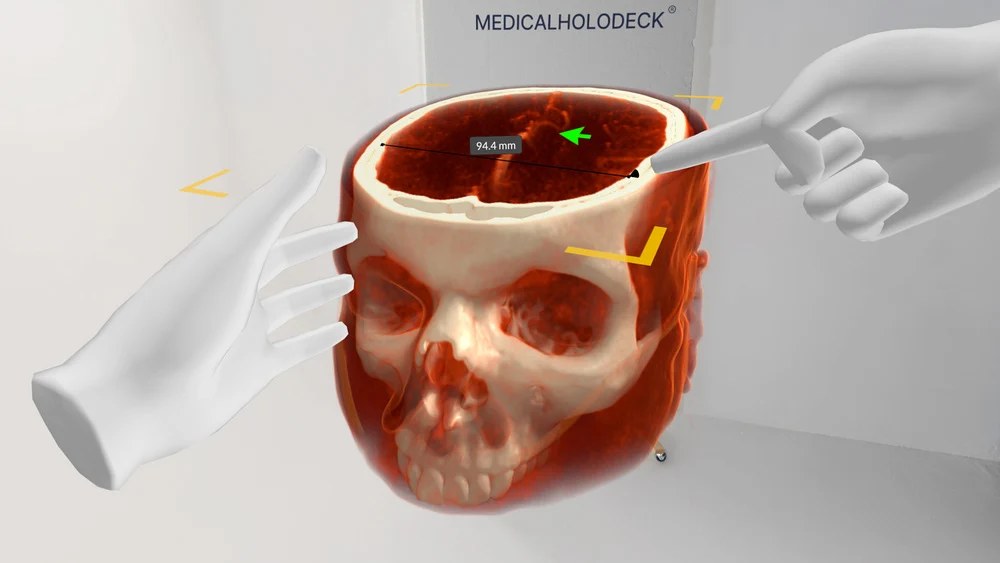
Communication
Non-diagnostic visual communication
Use spatial medical imaging to explain anatomy and discuss cases for non-diagnostic purposes. TeamXR enables participants to join a shared virtual session.
Deployment requirements
Hardware, network,
and service requirements.
Use requires a compatible standalone headset, access to the Remote Rendering service, and a network suitable for interactive streaming. Confirm compatibility and connection quality for your intended environment.
What does a deployment require?
A supported standalone VR headset, access to the Remote Rendering service and app, and a suitable network connection. Bandwidth, latency, and wireless coverage affect session performance. Contact Medicalholodeck to confirm device compatibility and access requirements.
How does it differ from standalone rendering?
Standalone rendering processes content directly on the headset. Remote Rendering processes content on a separate system and streams the resulting images to the headset, making the network connection part of the rendering workflow.
Does Remote Rendering include collaboration?
Remote Rendering provides the rendering and streaming workflow. TeamXR provides collaboration in a shared virtual environment. The two can be combined in a configured teaching or training deployment.
Does the application trial include Remote Rendering?
The Medicalholodeck trial provides access to the applications for evaluation. Remote Rendering requires separate service access and its dedicated app. Request a demo to review availability and compatibility.
Get started
Evaluate Remote Rendering
for your institution.
Request a demonstration and review the rendering, network, and headset requirements for your teaching or training environment.